Comfy Commerce
A local, open-source studio that runs ComfyUI workflows over a Shopify store's product images, video and 3D, on your own machine, a remote box or Comfy Cloud. Every result waits in a review queue: wipe or side-by-side compare, approve or reject, arrange the gallery, then publish. Each publish saves the old media first, so a revert is one click.
Drag the divider or use the slider to wipe between the live product photo and the workflow's result. Switch to side by side, step through the queue with the chevrons or the left and right arrow keys, then approve and publish each result, or reject it.
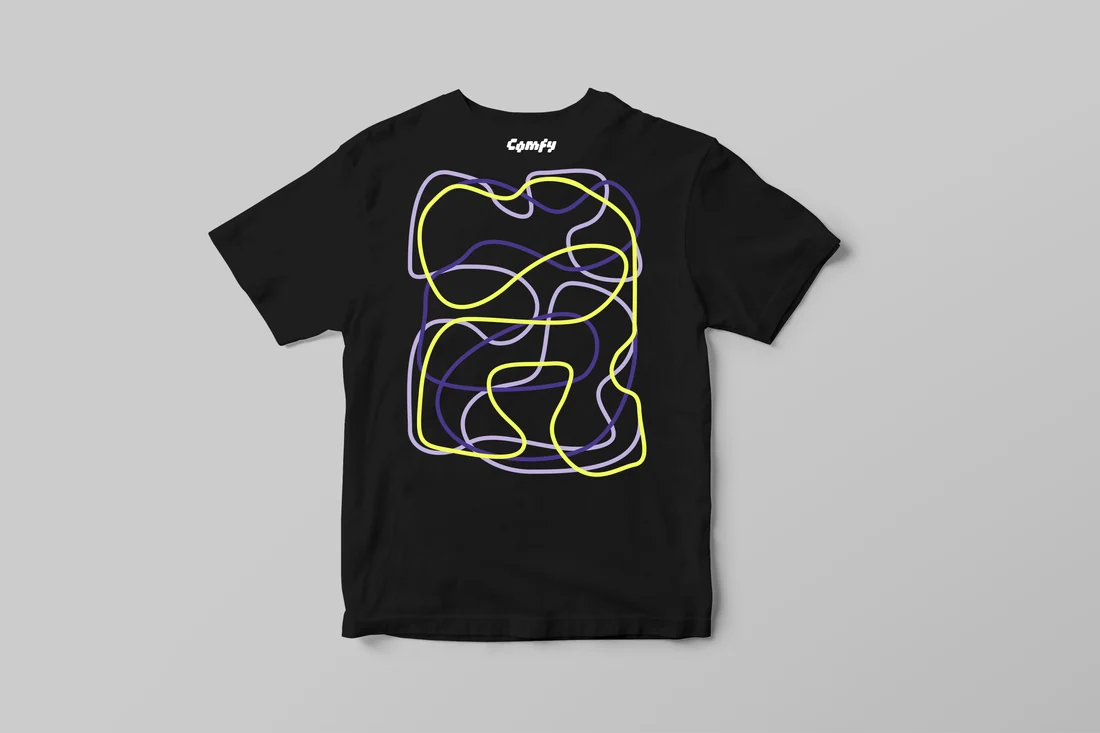
Spaghetti Tee — Black, 1 of 4: Pending. 4 pending review.
Spaghetti Tee — Black

Run a workflow across the catalog
Pick tees from the grid or run the whole catalog, then choose a workflow and an engine and watch the run fill Activity. Anything over twelve images suggests a five-image test first, and every result waits for review.
One shirt, three shots
One T-Shirt Shoot run turns a flat-lay into a standing shot, a close-up of the print and a seated shot, each staged for review. Slide across a shot to compare it with the flat-lay.
Arrange the gallery
Drag the new shots into place beside the listing's live images, reject any you don't want, then publish. The old gallery is saved first, so one click puts it back.
Comfy Commerce